Yesterday morning after not sleeping all night I wiped the hard drives and reinstall Windows from an old version of Windows 10 I have. One computer, the XPS which I just added 64 GB of ram to, seemed to be going wonderful, with no hiccups or problems. Sadly the Inspiron computer just wouldn’t install windows or other programs correctly. So last night I went to bed about 9 pm. The XPS seemed ready for finial steps. That was last night when I shut them all down.
However this morning when I went to start the computers, the XPS refused to start windows. The computer started and the bios would work but windows wouldn’t start. It seems something was preventing the boot manger from working. Even trying to reinstall windows wouldn’t let the boot manager start. In fact when I install a new version of windows and I delete the partition set up by the last installation. However it was not deleting them and as soon as I tried to reinstall the partitions would reappear. Well I was not out of tricks yet. I pulled out another older version of Windows 10 and partitioned the C drive. I could have done it with the same USB Windows install stick I had been using but I worried if there was a problem with that USB stick software. Then installed the even older version of Windows. Then I took the newer version and repeated that. Then spent an hour setting up settings. However after spending the morning doing updates and even installing some licensed programs which I do at the last as some of them have a limit to how many times they can be installed. The full stop hard wall happened that screwed everything I had done on both computers.
Well shit and damn. I have a keyboard and mouse that works on three different devices so I have my keyboard set to each computer and my phone. My mouse I set the third device to what ever third device I am working on. But during all this I couldn’t get the flow system from the company to work. That moves the mouse from monitor / computer by going to the edge of the monitor so that I had to manually change the computer via a button on the bottom of the mouse. That meant I had to pick up the mouse and use the button every time I switched computers. That is not something I can keep doing. I race between computers hundreds of times an hour. So I sat here and thought. Each computer I dumped and reloaded and did the updates for hours over the last several days. I figured out a workaround. Since I had already done clean installs, I went into settings, to recovery and set both computers to “recover Windows from the cloud”, that would reset settings that were preventing my programs from working.
Yes, yes, yes! Well it worked. It is 3 pm and I am sitting here typing on the blogging computer and watching Sam Seder on the other. Once the recovery was done I installed the Logitech program for the mouse / keyboard which worked fine. Then I installed the Norton antivirus malware, then installed my VPN, Nordvpn with its anti-malware, advance browser protection, and ad and tracker prevention. So far everything is working grand.
I am on day three with 6 hours sleep. I stopped eating yesterday morning. Yes I am tired, yes I got sick to my stomach this morning. Yes my blood sugar got too low and I had to take glucose tablets. But when I am focused on a problem food and sleep wait until I get it all fixed. So all I have to do today is install all my licensed programs and clean the computers up.
One last thing. Several days ago an elderly lady I gave a printer to because she is poor and did not have one. It is a nice brother printer that in its day was expensive but I had bought a new one and it was in my hoarder closet of electrical parts / equipment gathering dust. The printer’s computer was in error mode with an unable to clean error. Sadly that is part of the built-in obsolescence of our for-profit businesses. The error is caused due to the sponge that the print head uses to clean itself after use so ink doesn’t run all over the desk and the floor. Since they don’t bother to put a sensor in the sponge it is much easier (cheaper) for manufactures to simply put in a number of pages that will shut the machine down. Once you get to that number the “brain” in the printer assumes the sponge is full. If you know the magical steps and the correct numbers to input, you can clear the number of pages back to zero and your printer works again. And tech people can charge you big money for doing this. Sadly I did not like that game years ago and even as poor as Ron and I are, I only took donations for my skills as a technician.
So either to your joy or bad disappointment after 3 days and 6 hours of sleep and only two meals even as Ron threatened to force feed me, I am back online with my computers fully running. Oh during the time I worked on the two main computers I had the big 55 inch TV in my office on the wonderful swing arm Ron mounted running off my Xbox One and a small barely able to function laptop that I used to write most of this. Hugs and loves to all. Scottie
This story was published in partnership with Them.
Reached by phone in the days following the election, LGBTQ+ movement leaders promised they are more prepared than ever to face off against a second Trump administration.
“We’re ready,” said Heron Greenesmith, deputy director of policy at the Transgender Law Center, a civil rights organization. “We did extensive scenario planning, internal and external. We did safety planning internally. We did scenario planning with partners, cross movement, inter movement, trans specific, LGBT.”
For transgender Americans, the moment feels particularly vulnerable. President-elect Donald Trump has vowed to end what he has termed “transgender insanity” and cut Medicaid and Medicare funding to health providers offering gender-affirming health care on his first day in office.
The result is that many trans Americans are reeling, feeling that the country has elected a man set on wiping them off the face of the earth.
Responding to the election, Sarah Warbelow’s voice broke.
“There’s so much love,” she said. “Love is still out there, and that is not what this election was about.”
Warbelow isn’t transgender. But her daughter is. And as the vice president of legal for the nation’s largest LGBTQ+ rights organization, the Human Rights Campaign, Warbelow will be tasked with shoring up protections for queer Americans as Trump retakes office.
Warbelow’s tone turned from teary to defiant as she talked about a slew of political ads attacking transgender Americans, many of them run by Trump and his surrogates. They don’t represent the feelings of the nation, she said.
“A majority of voters found the anti-trans advertisements were just mean-spirited,” she said.
But Kierra Johnson, president of the National LGBTQ Task Force, one of the community’s largest organizations focused on field organizing and political change, said 2024 is nothing like 2016 when Trump was first elected.
“The strategies are already in motion across movements,” Johnson said.
“Yes, we should be worried,” Johnson said, adding that Project 2025, the blueprint for a second Trump term written by his former advisors, makes extremely concerning suggestions about how to approach LGBTQ+ rights. “They put it in black and white. If we don’t take that as serious, then that’s on us. Whether they execute or not, that’s something else.”
Advocates said there are a number of things trans people can do immediately to protect their rights and safety before January. Here’s how the nation’s LGBTQ+ leaders feel things will go in the top policy areas impacting trans people and how trans folks can prepare ahead of January 2025.
Identification and gender markers
For people who need updated gender markers on their identification or have already obtained them, Greenesmith advised looking at state laws first if there are questions.
“The laws in your state will impact a lot of everything else, including whether or not you can get your name and gender changed to match,” Greenesmith said.
Some have expressed fears that having an “X” gender marker on a driver’s license or passport instead of the formerly standard “M” or “F” will make them a target in the new administration. Advocates advise that deciding on a gender marker is an incredibly personal decision. Some noted that removing the “X” might make one feel safer, but would be unlikely to erase the paper trail of a gender marker change in government records. In other words, if a trans person was trying to change a marker to conceal their gender identity from the federal government, updating gender markers would likely have minimal impact.
Advocates for Transgender Equality has a full ID resources library with a state-by-state drop-down menu, as does Trans Lifeline, to help people navigate local laws. Both are nonprofit civil rights organizations.
The 19th will continue to provide guidance on IDs, documents and other paperwork as organizations release it.
Freedom to be
Perhaps the greatest fear many trans people have is that simply being transgender will be criminalized. While experts acknowledge that it’s reasonable to be scared, they expressed that the federal government doesn’t have the same resources states have to target transgender people individually on the basis of identity alone.
“When you look at the data and the polling, despite what people are pontificating about at this moment, the American public supports the existence of transgender people,” Warbelow said. Because Trump has shown himself to be incredibly fickle, it’s difficult to know at this point exactly what his plans are for carrying out his campaign promises. That said, Warbelow believes that the president-elect does care, on some level, about his popularity with the public.
Warbelow also believes that the administration does not have the levers to target transgender people in the ways that states have aimed to criminalize transgender life.
Greenesmith is quick to add that worst-case scenario fears are already a reality for many of the most marginalized queer people.
“This is why we can’t catastrophize at this moment, because catastrophization is white supremacy,” they said. “All the things that White people fear, Black people, Indigenous folks, migrants have been facing for centuries.”
Andrea Jenkins, a Minneapolis City Council member who made history as the first out Black trans woman elected to public office in the United States, said that for Black trans women, that also means coming together and rising up.
“What I will say to my sisters out there is we got to stand strong,” she said. “We’ve got to organize. We’ve got to build systems of support for each other.”
Moving
As some trans people consider relocating, “it’s not easy for people to just do that,” said Jamison Green, veteran trans organizer and health expert.
Whether people are considering a move out of the country, or out of state, advocates acknowledge that the laws impacting trans lives in real ways differ from place to place. The 19th will be reporting more deeply on these options in the weeks to come, but Green advises that people in states with trans-friendly laws will be far safer than states with anti-trans laws, if they are able to get to affirming states because so many of the policies impacting trans lives are decided at a state level.
No matter what, “get connected to community,” he said.
Organizations on the ground are ready to greet those who do need to move, said Jax Gonzalez, political director at LGBTQ+ statewide equality organization One Colorado.
“We know that we are a sanctuary state, and that there are many families who have been coming here from Oklahoma, Florida, Arkansas, Texas, you name it, Missouri,” Gonzalez said. “We want to ensure that those folks who do come here, that we’re doing everything that we can to ensure that they are protected and can thrive in community.”
Health care
Trump has vowed to cut off federal funding to health providers offering gender-affirming care to transgender people via executive order. Many fear this will mean the end of gender-affirming care like hormones, puberty blockers and surgeries for transgender people on Trump’s first day in office.
Before panicking, experts advise that this will be logistically complicated for the administration to pull off. For one, transgender people are protected by the Supreme Court’s 2020 Bostock v. Clayton County decision, which ruled that gender discrimination and sex discrimination are one in the same, meaning if the government barred gender-affirming care for a trans man, it would have to outlaw that same care (testosterone) for a cisgender man.
Further, Green said the feasibility of the federal government tracking everyone’s prescriptions would get complicated quickly.
“The volume of prescriptions that are written in this country, it would be very difficult and time-consuming and costly to track at a federal level.”
State controls would have more access, he added. Some people have worried that the administration could threaten pharmacists, especially when it comes to prescriptions for testosterone, which is a schedule III class drug. Off-label use would not be allowed. Green, again, thinks this would be challenging for the administration.
“Most drugs are used off label, and that’s a fact,” he added. “Medicine is an extremely complex field. It’s an art as well as a science … this is why we license doctors to use their medical judgment in applying the chemistry of pharmaceuticals to their patients to help them.”
Further, Trump attempted to gut transgender health care protections in the Affordable Care Act during his first term. The fight over those protections wound through the courts, and the repeal was finalized in 2020, only to be reversed by President Joe Biden, another rule-making process and fight that took four years.
In short, advocates said it’s difficult to anticipate how health care policy will play out. But whatever happens is not likely to happen immediately, and all major medical associations back gender-affirming care for transgender people.
Green said there is cause for concern.
“But I think we have to not just roll over and let them do it,” he said. “Whatever, they think they’re going to do, we have to stay fighting for people’s health and rights and social safety.”
Marriage and family planning
Marriage will not immediately be at risk in the new administration because of legal precedent and a 2022 law passed by Congress called the Respect for Marriage Act, which requires states to recognize LGBTQ+ marriages already performed, even those from out of state.
“If something changes in the future, there will still be time to get married,” said Warbelow. “That is not something the Trump administration has the power to undo it any immediate term”
Advocates advise that for LGBTQ+ people who want to marry, now is not a bad time to do it.
“I think people need to do everything they can to fortify their families and their finances, period,” said Johnson, adding that this can be applied to marriages, adoptions, powers of attorney or wills.
Tonight is a break from the craziness of the news.
I often say that 1883 is my favorite year in history because of all that happened in that pivotal year, and one of those things is the way modernity swept across the United States of America in a way that was shocking at the time but that is now so much a part of our world we rarely even think of it….
Until November 18, 1883, railroads across the United States operated under 53 different time schedules, differentiated on railroad maps by a complicated system of colors. For travelers, time shifts meant constant confusion and, frequently, missed trains. And then, at noon on Sunday, November 18, 1883, railroads across the North American continent shifted their schedules to conform to a new standard time. Under the new system, North America would have just five time zones.
Fifteen minutes before the time of the shift, the telegraph company Western Union shut down all telegraph lines for anything but the declaration of the new time. It identified the moment the new time went into effect in telegraph messages to local railroad offices and to the jewelers known in cities for keeping time. In offices that got the message, men had their timepieces in their hands and ready to reset when the chief operator shouted “twelve o’clock!”
In Boston the change meant that the clocks would move forward about 16 minutes; in New York City, clocks were set back about four minutes. For Baltimore the time would move forward six minutes and twenty-eight seconds; in Atlanta it went back 22 minutes.
The system was a dramatic wrench for the rural United States, bringing it into the modern world. Uniform time zones had been proposed by pioneering meteorologist Cleveland Abbe, who developed the U.S. system of weather forecasting. Having joined the United States Weather Bureau as chief meteorologist in 1871, he recognized that predicting the weather required a nationally coordinated team and worked with Western Union to collect information about temperature, wind direction, precipitation, and sunset times from across the country.
Coordinating that information required keeping time across all the stations he had set up. To do so, Abbe divided the United States into four time zones, each one hour apart, and in 1879 he suggested those zones might smooth out the chaos of the railroad systems, each trying to coordinate schedules across a patchwork of local times. Railroad executives, who were concerned that if they didn’t do something, the government would, listened to Abbe, and by 1883 they had concluded to put his new system in place.
Members of the new professional class who traveled by train from city to city were on board because they thought the need to regularize train schedules was imperative. But standard time was controversial. In the United States, people had operated entirely by the rhythms of the sun until the establishment of factories in New England in the 1830s, and most people still lived by those rhythms, their local time adjusting to solar time according to their geographical location.
Telling the time by sundial and history not only was custom, but also was understood as following God’s time. The idea of overriding traditional timekeeping because of the needs of the modern world seemed positively sacrilegious. “People…must eat, sleep and work…by railroad time,” wrote a contributor to the Indianapolis Daily Sentinel. “People will have to marry by railroad time…. Ministers will be required to preach by railroad time…. Banks will open and close by railroad time; notes will be paid or protested by railroad time.”
The mayor of Bangor, Maine, vetoed an ordinance in favor of standard time, saying it was unconstitutional, that it changed the immutable law of God, that the people didn’t want it, and that it was hard on the working men because it changed day into night. Those planning for a switch to standard time tried to ease fears by providing that Americans would operate on both local time and standard time, with both times represented on clocks.
On November 18, no one quite knew what the dramatic wrench into the future might mean.
What did it mean to gain or lose time? Many people expected “a sensation, a stoppage of business, and some sort of a disaster, the nature of which could not be exactly ascertained,” a New York Times reporter recorded. As the great moment approached, people crowded the streets in front of jewelers to see the “great transformation.”
They were disappointed when, after all the buildup, the future arrived quietly.
The New York Times explained: “When the reader of THE TIMES consults his paper at 8 o’clock this morning at his breakfast table it will be 9 o’clock in St. John, New Brunswick, 7 o’clock in Chicago, or rather in St. Louis—for Chicago authorities have refused to adopt the standard time, perhaps because the Chicago meridian was not selected as the one on which all time must be based—6 o’clock in Denver, Col. and 5 o’clock in San Francisco. That is the whole story in a nut-shell.”
—
Notes:
Chicago Daily Tribune, “At Noon today Most of the Railroads Will Discard the Old and Adopt the New,” November 18, 1883, p. 12.
Boston Daily Globe, “Modern Joshuas: They Make Clocks, If Not the Sun, Stand Still,” November 19, 1883, p. 5.
Boston Daily Globe, “At the Railroad Stations, At the Churches,” November 19, 1883, p. 5.
Washington Post, “New Time in Other Cities,” November 18, 1883, p. 1.
Chicago Daily Tribune, “Standard Time,” November 19, 1883, p. 1.
Indianapolis Daily Sentinel, November 21, 1883, p. 4, Quoted in Ian R. Bartky, Selling the True Time: Nineteenth-Century Timekeeping in America (Stanford: Stanford University Press, 2000), p. 144.
Russia has been doing this, dealing out pain to the people of Ukraine while Biden refused to let him use the weapons to hit Russia making them feel the same pain. Biden now says OK when it looks like in three months there will be no choice but to give Russia what it wants or fight to the last person and lose anyway. It is sick, but tRump is a Russian / Putin toady. We failed to live up to a promise we made to Ukraine because of Biden’s out of touch fears from the 1950s. Hugs
KYIV, Ukraine (AP) — A Russian ballistic missile with cluster munitions struck a residential area of a northern Ukraine city, killing 11 people including two children and injuring 84 others, officials said Monday.
The two children killed in the strike on Sumy late Sunday were a 9-year-old boy and a 14-year-old girl, the regional prosecutor’s office said. Six injured children are in critical condition, it said.
The attack damaged 15 buildings, including two educational facilities, the prosecutor’s office said. A search and rescue operation continued Monday, on the eve of the war’s 1,000-day milestone.
Sumy lies 40 kilometers (24 miles) from the Russian border.
Also Sunday, U.S. President Joe Biden authorized for the first time the use of U.S.-supplied longer-range missiles by Ukraine to strike inside Russia, after extensive lobbying by Ukrainian officials.
The weapons are likely to be used in response to North Korea’s decision to send thousands of troops to support Russia in the Kursk region where Ukraine mounted a military incursion over the summer.
It is the second time the U.S. has permitted the use of Western weapons inside Russian territory within limits after permitting the use of HIMARS systems, a shorter-range weapon, to stem Russia’s advance in Ukraine’s Kharkiv region in May.
The first reaction from Ukraine to the long-awaited decision from the U.S. was notably restrained.
“Today, much is being said in the media about us receiving permission for the relevant actions. But strikes are not made with words. Such things are not announced. The missiles will speak for themselves,” Ukrainian President Volodymyr Zelenskyy said in his nightly video address.
Earlier, Zelenskyy said that Russia had launched a total of 120 missiles and 90 drones in a large-scale attack across Ukraine, including Sumy. Russia deployed various types of drones, he said, including Iranian-made Shaheds, as well as cruise, ballistic and aircraft-launched ballistic missiles.
The attack, which targeted Ukraine’s energy infrastructure, came as fears are mounting about Moscow’s intentions to devastate Ukraine’s power generation capacity ahead of the winter.
Ukrainian defenses shot down 144 out of a total of 210 air targets, Ukraine’s air force reported.
“The enemy’s target was our energy infrastructure throughout Ukraine. Unfortunately, there is damage to objects from hits and falling debris. In Mykolaiv, as a result of a drone attack, two people were killed and six others were injured, including two children,” Zelenskyy said.
Two more people were killed in the Odesa region, where the attack damaged energy infrastructure and disrupted power and water supplies, said local Gov. Oleh Kiper. Both victims were employees of Ukraine’s state-owned power grid operator, Ukrenergo, the company said hours later.
The combined drone and missile attack was the most powerful in three months, according to the head of Kyiv’s City Military Administration, Serhii Popko.
One person was injured after the roof of a five-story residential building caught fire in Kyiv’s historic center, according to Popko.
A thermal power plant operated by private energy company DTEK was “seriously damaged,” the company said.
Russian strikes have hammered Ukraine’s power infrastructure since Moscow’s all-out invasion of its neighbor in February 2022, prompting repeated emergency power shutdowns and nationwide rolling blackouts. Ukrainian officials have routinely urged Western allies to bolster the country’s air defenses to counter assaults and allow for repairs.
Russia’s Defense Ministry on Sunday acknowledged carrying out a “mass” missile and drone attack on “critical energy infrastructure” in Ukraine, but claimed all targeted facilities were tied to Kyiv’s military industry.
Although Ukraine’s nuclear plants were not directly impacted, several electrical substations on which they depend suffered further damage, the U.N.’s nuclear energy watchdog said in a statement Sunday. According to the International Atomic Energy Agency, only two of Ukraine’s nine operational reactors continue to generate power at full capacity.
The Russian military said Monday it intercepted and destroyed 59 Ukrainian drones overnight over several Russian regions. Two were downed over the Moscow region that surrounds the Russian capital, and three others over the neighboring Tula region. A total of 54 drones were destroyed over the Bryansk, Kursk and Belgorod regions on the border with Ukraine, according to a statement by the Russian Defense Ministry.
Moscow Mayor Sergei Sobyanin said the drones shot down outside of Moscow were heading toward the capital.
Kullab is an Associated Press reporter covering Ukraine since June 2023. Before that, she covered Iraq and the wider Middle East from her base in Baghdad since joining the AP in 2019.
A big thank you to everyone who commented on my YouTube videos. Unfortunately I just figured out how to see them so I answered them all from months back. Please keep making them and letting me know what you think of the quality and subject matter. Hugs
My plan for tomorrow is to get one of the old barely running laptops out, and put all my saved tabs I have open with the pages that people made comments on it so I don’t lose them. Then I am going to take both computers offline and dump them. I will then dump both computers. See you then. Hugs
if we all click our heels together three times, everything will be okay Read on Substack (Language NSFW, as always with Jeff Tiedrich’s writing)
the worthless scribblers of the corporate-controlled media utterly failed us during the 2024 campaign season.
New York Times executive editor Joe Kahn came right out and said it: defending democracy is a ‘partisan act,’ and we won’t do it — and, fuck us all, the press kept their word, and didn’t do it. they enthusiastically put their fingers on the scale for Donny Convict.
arguably, the media’s worst transgression was the sanewashing — the cleaning-up of Donny’s incomprehensible blitherings, to hide his obvious cognitive disintegration and make him sound coherent.
a minutes-long disjointed word-salad about how tariffs on Chinese goods were going to lower the cost of childcare became “a major economic speech.”
Donny’s inability to keep his increasingly-demented mind on the topic at hand — his crazypants pinballing from they’re eating the dawgs to Hannibal Lecter wants to have you for dinner to would you rather be eaten by a shark or electrocuted — was explained away by Donny as his brilliant “weave.”
[Wishcasting is] the act of interpreting information or a situation in a way that casts it as favorable or desired, despite the fact that there is no evidence for such a conclusion; a wishful forecast.
sure enough, the media has now gone into overdrive, churning out piece after piece in which they promise us that if we all click our heels together three times, everything will be okay.
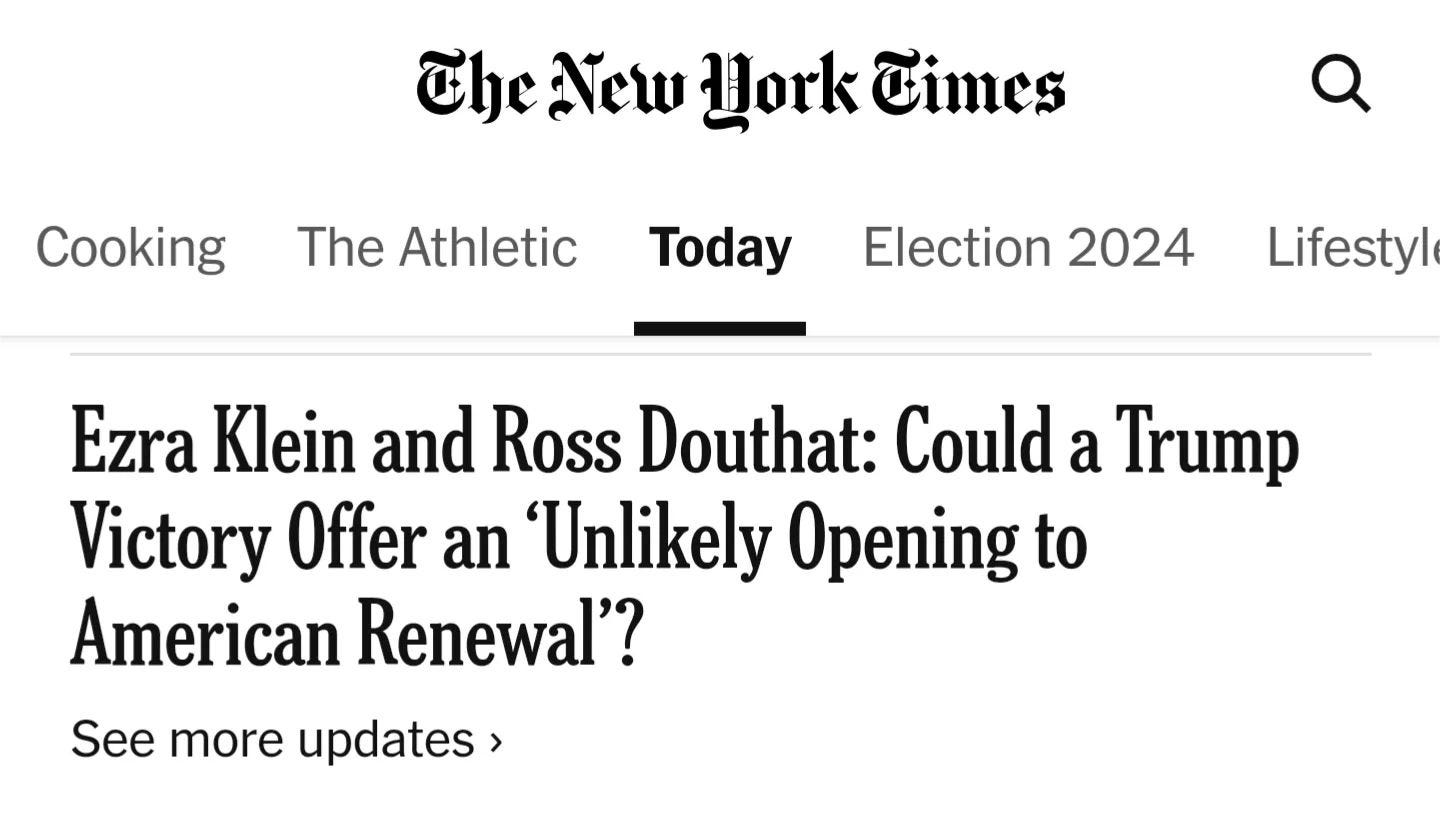
not twelve hours after the election had been called for Donny, the Times wasted no time in assuring us that the election of a vindictive fascist is an amazing opportunity for vindictive fascism not to happen.
what kind of magical, everybody-gets-a-pony thinking is this? just fucking stop it.
did Ezra Klein and Ross Douthat both experience some kind of recent head trauma that has caused them to forget the years 2017 through 2020? Donny’s first presidency was a dumpster fire of corruption, mismanagement and mass death — but somehow now, given a second chance to fuck shit up worse, Donny’s going to bring us an “American renewal”?
anything’s possible, right? overnight, Donny Convict could magically become a wise and fair statesman — also, technicolor pigs could fly out of my ass.
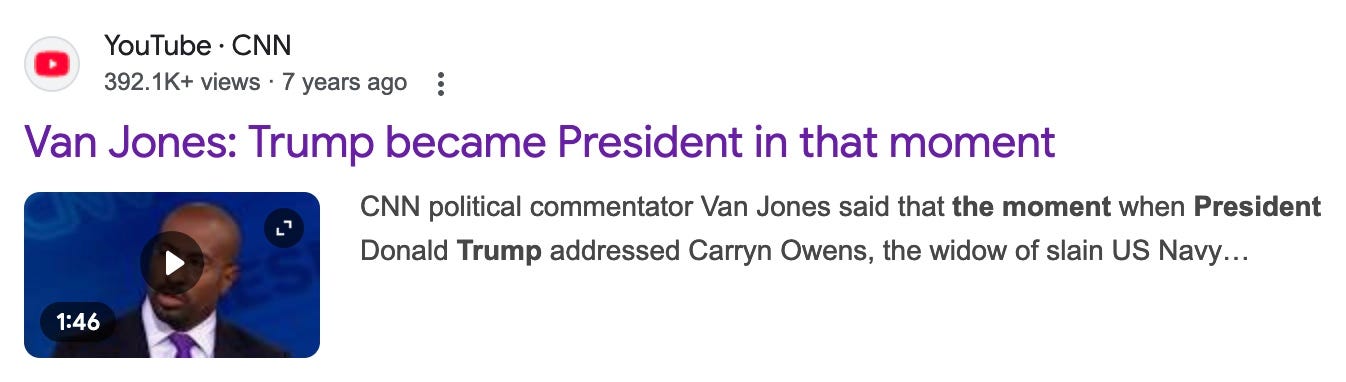
oh my god, the media never stops imagining that Donny is going to somehow become presidential. during his first term — over and over — every time Donny stopped short of taking out his dick and pissing on the floor, the press would fall all the fuck over itself in a mad dash to proclaim him presidential.
spoiler alert: Donny never became presidential. not from the the first time he threw a ketchup-hurling tantrum in the White House, to the moment he absconded back to his Florida golf motel, taking with him boxes of stolen classified documents.
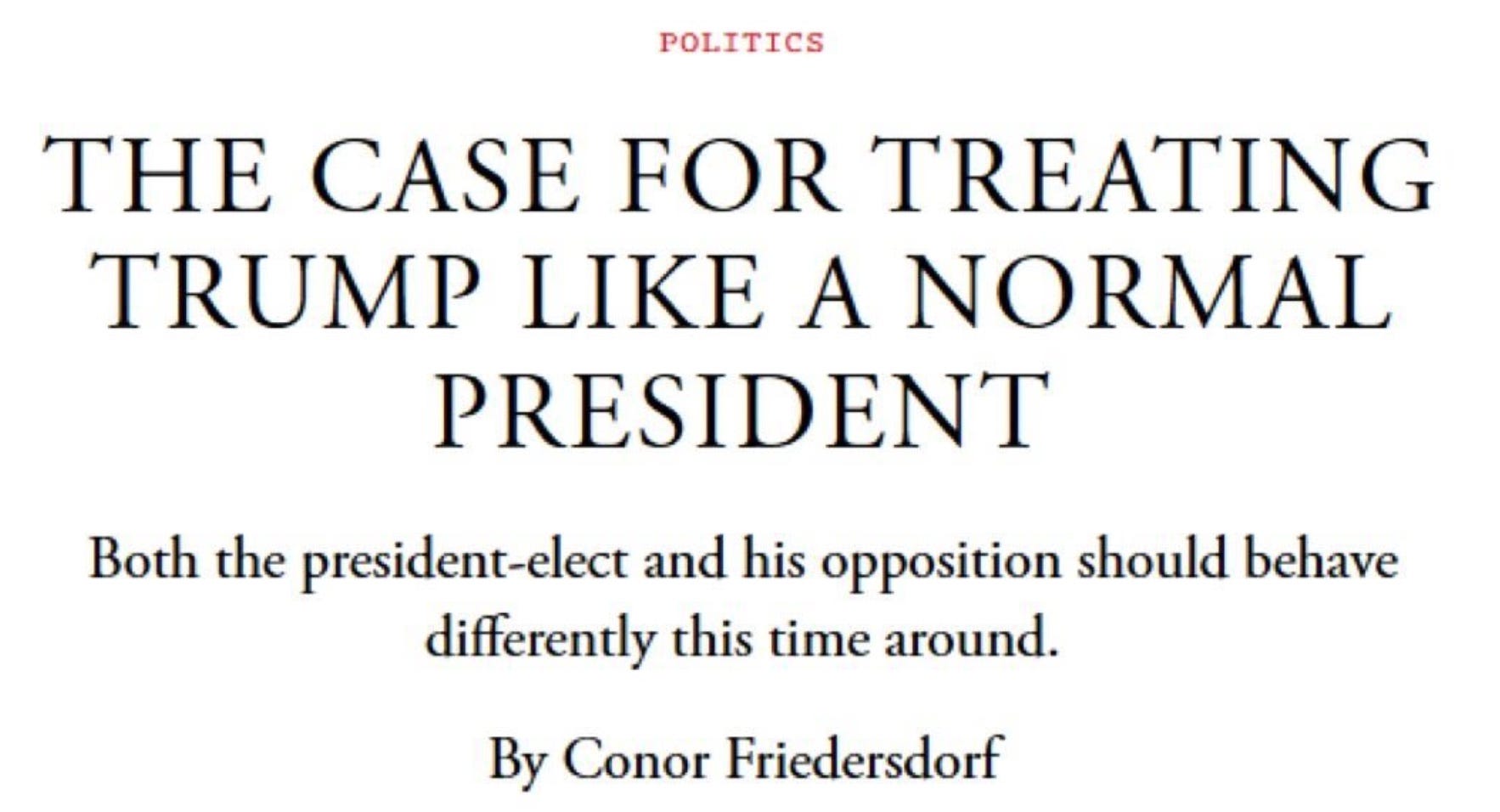
the premise here is that if we’re respectful to Donny — if we fucking kowtow to him, and stop opposing him — he’ll be nice to us in return. he’ll become — dare I say it? — presidential.
Stop indulging the fantasy that outrage, social stigma, language policing, a special counsel, the Twenty-Fifth Amendment, or impeachment will disappear him. And stop talking as if normal political opposition is capitulation.
Everyone should normalize Trump. If he does something good, praise him. Trump is remarkably susceptible to flattery.
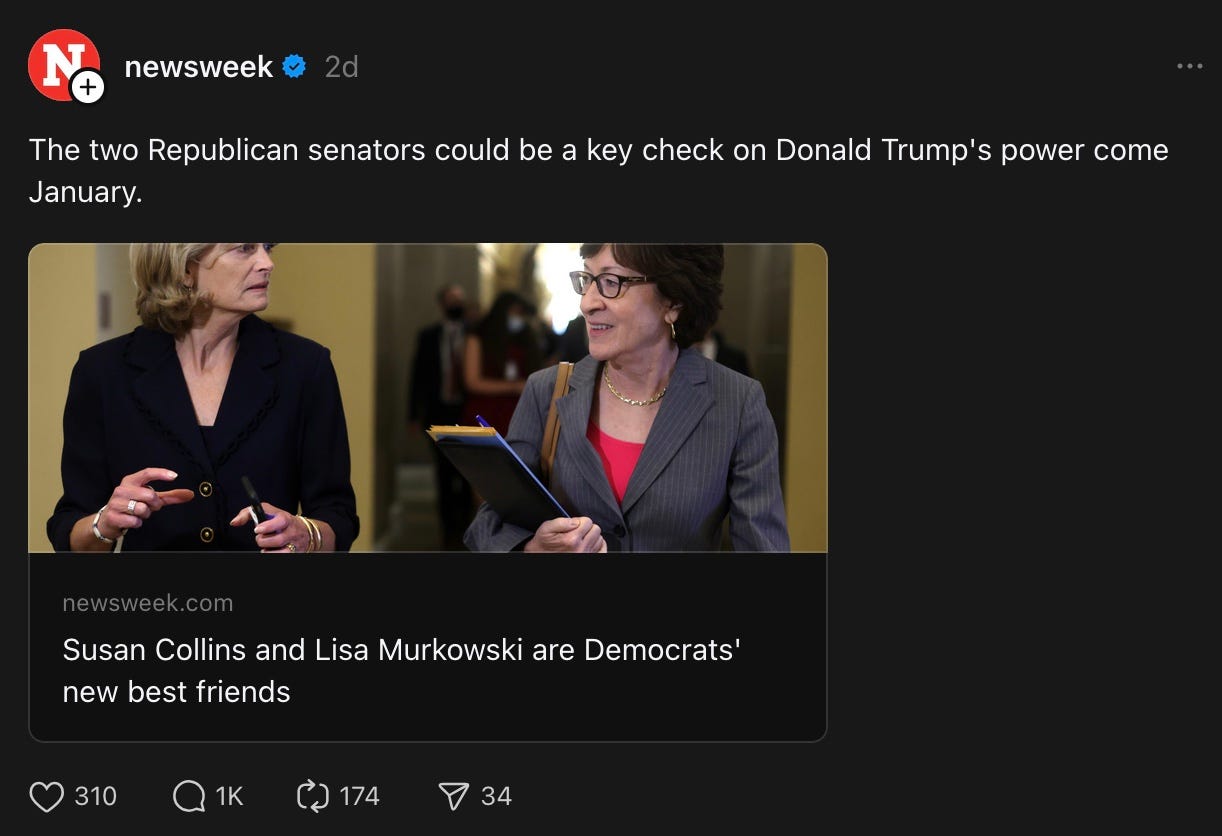
okay, I will grant that Newsweek may be half right. Lisa Murkowski seems to genuinely loathe Donny, and we can probably count on her to vote against the worst of his fuckery — but Susan Collins? the credulous naïf who assured us over and over again that Donny had learned his lesson, and would never transgress again?
now, let’s bask under some rays of hope from people who aren’t just blindly wishcasting, but are actually offering reasoned arguments.
in the middle of a fairly clear-eyed assessment of the Trumpian horrors to come, the Guardian gives us this:
Elaine Kamarck, a former official in the Bill Clinton administration, said: “For him to expand presidential power, Congress has to give up power and they’re not in the mood to do that. They’ve never done that. There are plenty of institutionalists in Congress.”
Kamarck also expressed faith in the federal courts, noting that judges appointed by Trump only constitute 11% of the total placed on the bench by former presidents. A Trump dictatorship is “not going to happen,” she added. “Now, there might be things that the president wants to do that people don’t like that the Republican Congress goes along with him on but that’s politics. That’s not a dictatorship.”
Paradoxically, however, Trump’s reckless venality is a reason for hope. Trump has the soul of a fascist but the mind of a disordered child. He will likely be surrounded by terrible but incompetent people. All of them can be beaten: in court, in Congress, in statehouses around the nation, and in the public arena. America is a federal republic, and the states—at least those in the union that will still care about democracy—have ways to protect their citizens from a rogue president. Nothing is inevitable, and democracy will not fall overnight.
Americans cannot vote themselves into a dictatorship any more than you as an individual can sell yourself into slavery. The restraints of the Constitution protect the American people from the unscrupulous designs of whatever lawless people might take the reins of their government, and that does not change simply because Trump believes that those restraints need not be respected by him. The Constitution does not allow a president to be a “dictator on day one,” or on any other day. The presidency will give Trump and his cronies the power to do many awful things. But that power does not make them moral or correct.
I sure hope to fuck they’re right.
This is going to be my closing message for the foreseeable future:
practice self-care. do what you need to do to keep sane. if that means disengaging with my daily posts for a while, I get it. this community of ours will still be here when you return.
to all the people who have signed on in the days since the election, welcome aboard. settle in as we all try to deal with the shitfuckery that’s ahead of us.
we are all in this together, and we are all here for each other.
All morning I did the three Sunday shows I watch. This Week, Meet the Press, and Face the Nation. Ranted while I wrote stuff to refute and talk about pushed by the republicans on the panels and interviewed as they crowed about how this was a clear mandate for them to take the country so far right the Puritans would be scared to come here. I stopped writing figuring I had recorded all of these shows. Then I spent an hour while listening to them trying to figure out how to record them from one computer to the other as I really need to change my desk configuration and have already ordered the ram to do drastically help one of my computers. Sadly my main computer is maxed out. I should have known better but it was on sale with great specs … so I bought it. Always. Yes always by a computer that is upwards expandable. I won’t make that mistake again. However even if I lose these recordings of the corporate media and on This Week Johnathan Carl was creaming his pants on the tRump win, so much for media impartiality, I need a break as Ron was telling me. So I am going to play Portal Two. It is a wonderful puzzle game using a portal gun to shoot an incoming portal and an outgoing portal. No shooting other players. This is a grand game for people not wanting to hurt others even in a game and for stretching the mind. If you don’t have a gaming console the game is also on PC, which is where I first played it. Hugs I am off to challenge my brain on more than politics. Hugs.